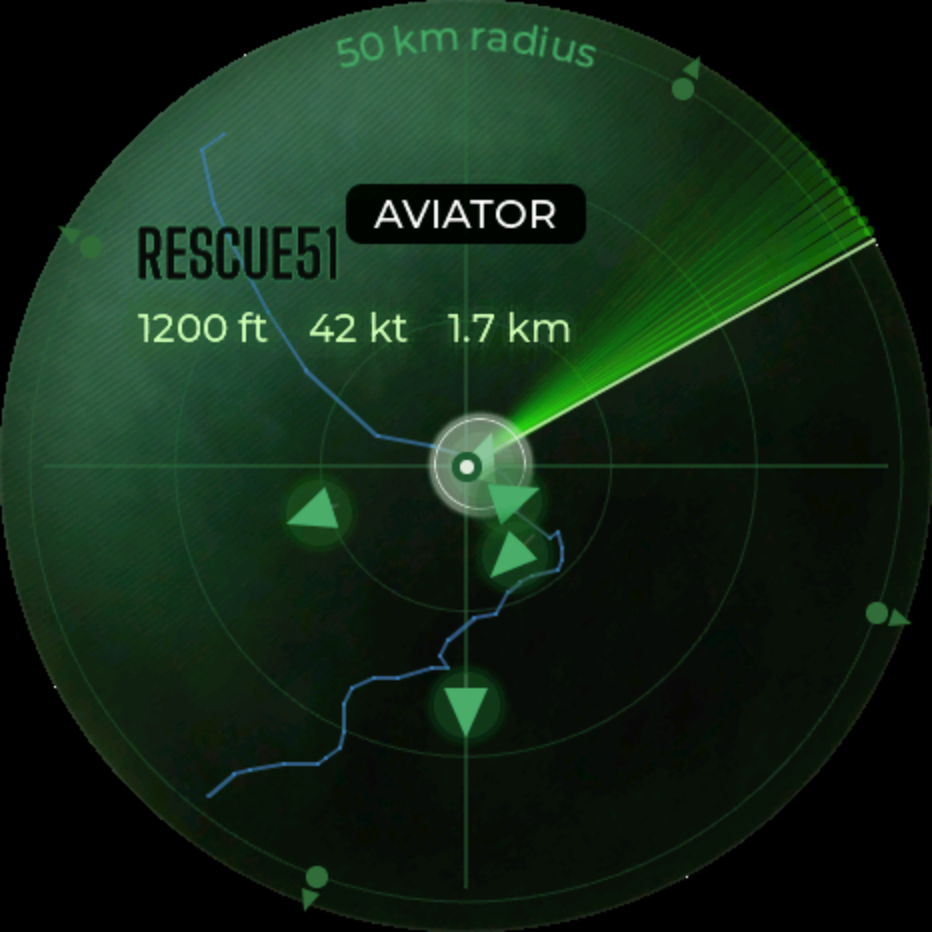
Flight radar
Live aircraft passing overhead, straight off ADS-B.
Turn the knob. Watch the sky. Live aircraft, weather, and time on a little round screen. No apps, no feed, just the world around you.
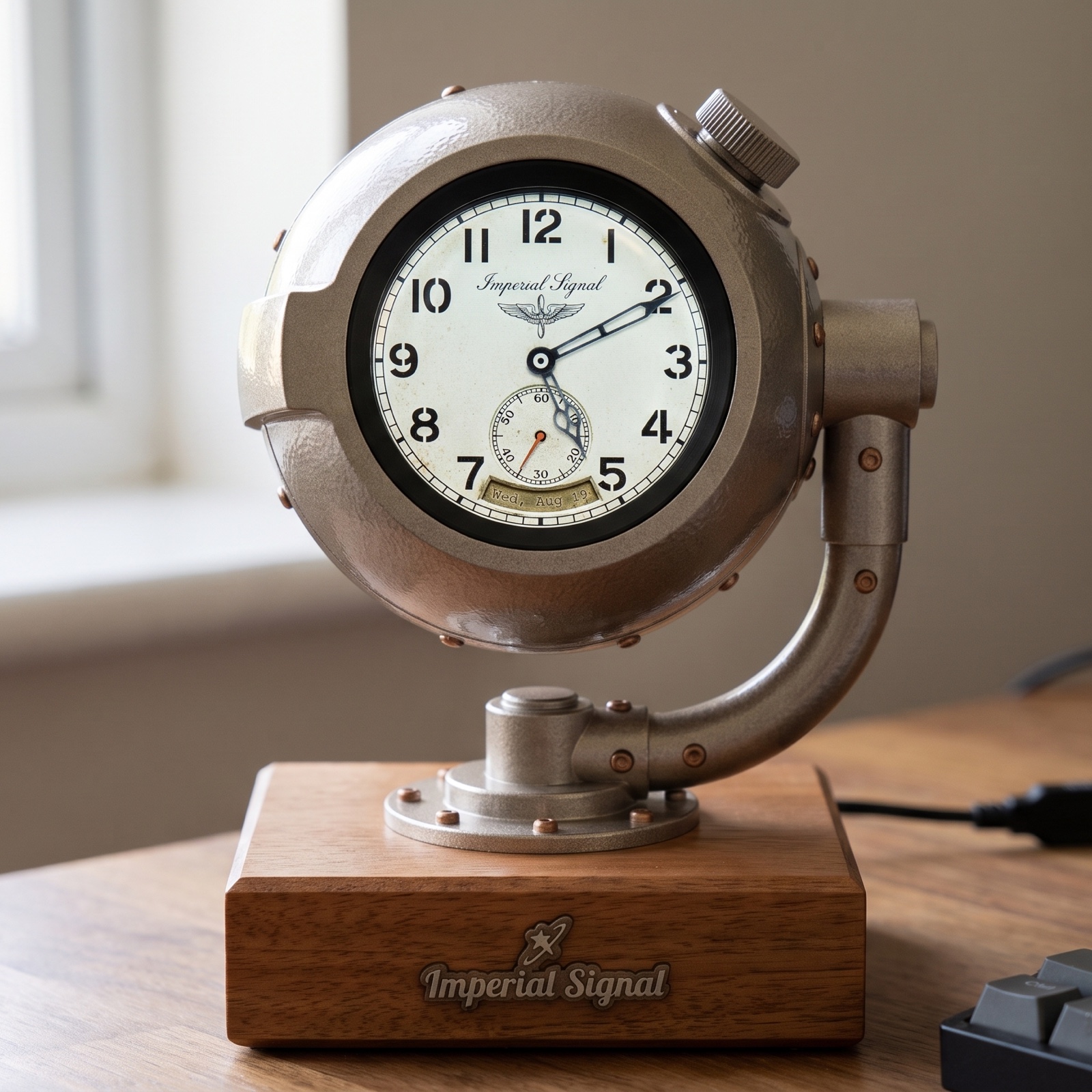
I stumbled onto an open-source flight radar someone had built for a tiny screen, and I could not put it down. Watching real planes cross a little glowing map, right there on my desk, scratched an itch I did not know I had.
So I built my own version of it. I gave it a round screen and a single knob, added weather and a clock and a few other things, and wrapped it in parts you can print at home. Then I opened the whole thing up, because the best part of a project like this is watching other people make it their own.
The Orb is that project. It is meant to be built, not just bought.
Rock the knob back and forth to bring up the menu, turn to move between them, then press to open one. Most of it runs right on the device.
Live aircraft passing overhead, straight off ADS-B.
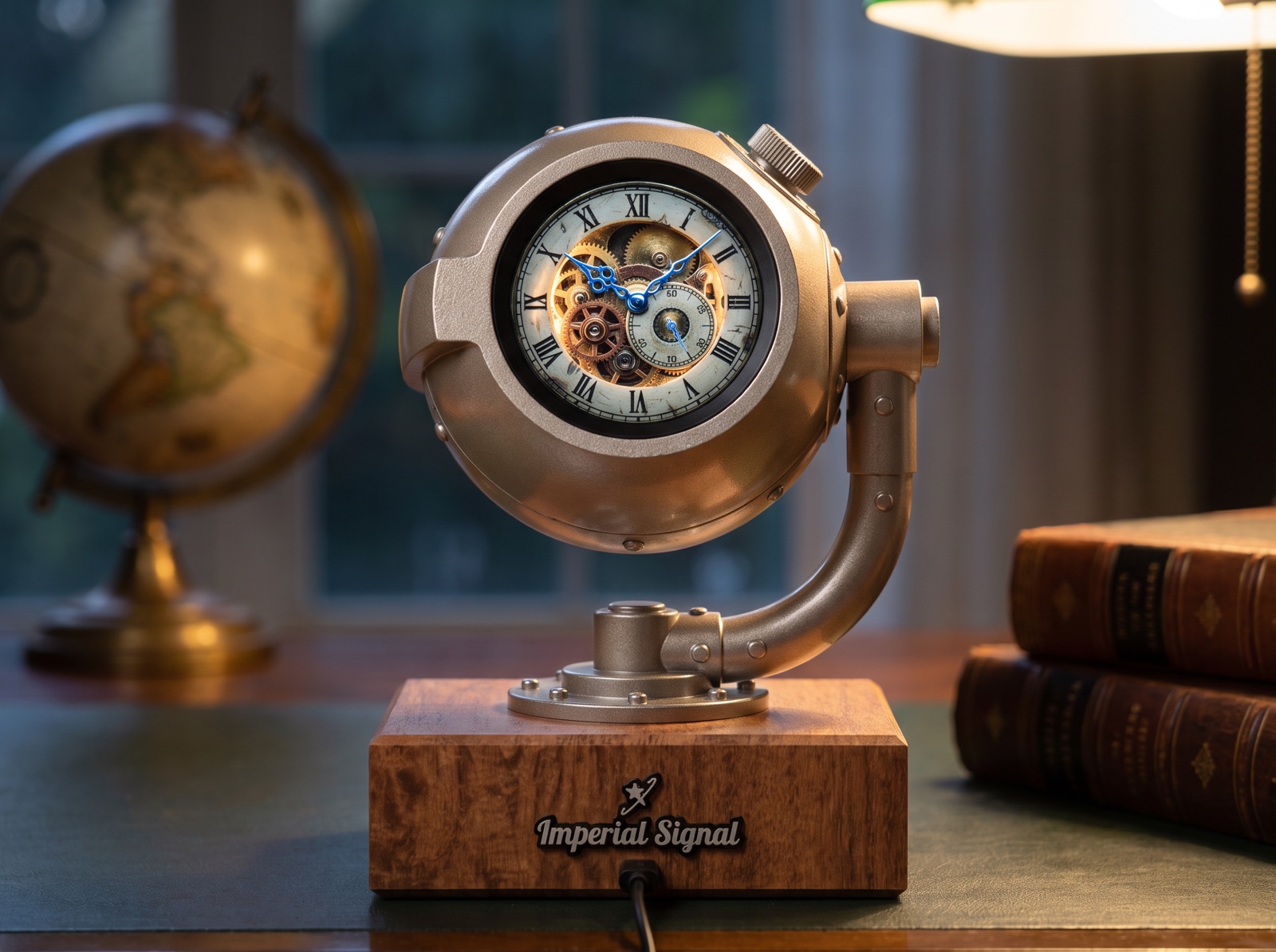
Three swappable instrument faces.
Headlines from the feeds you pick, a few at a time.
One knob tunes the whole thing.
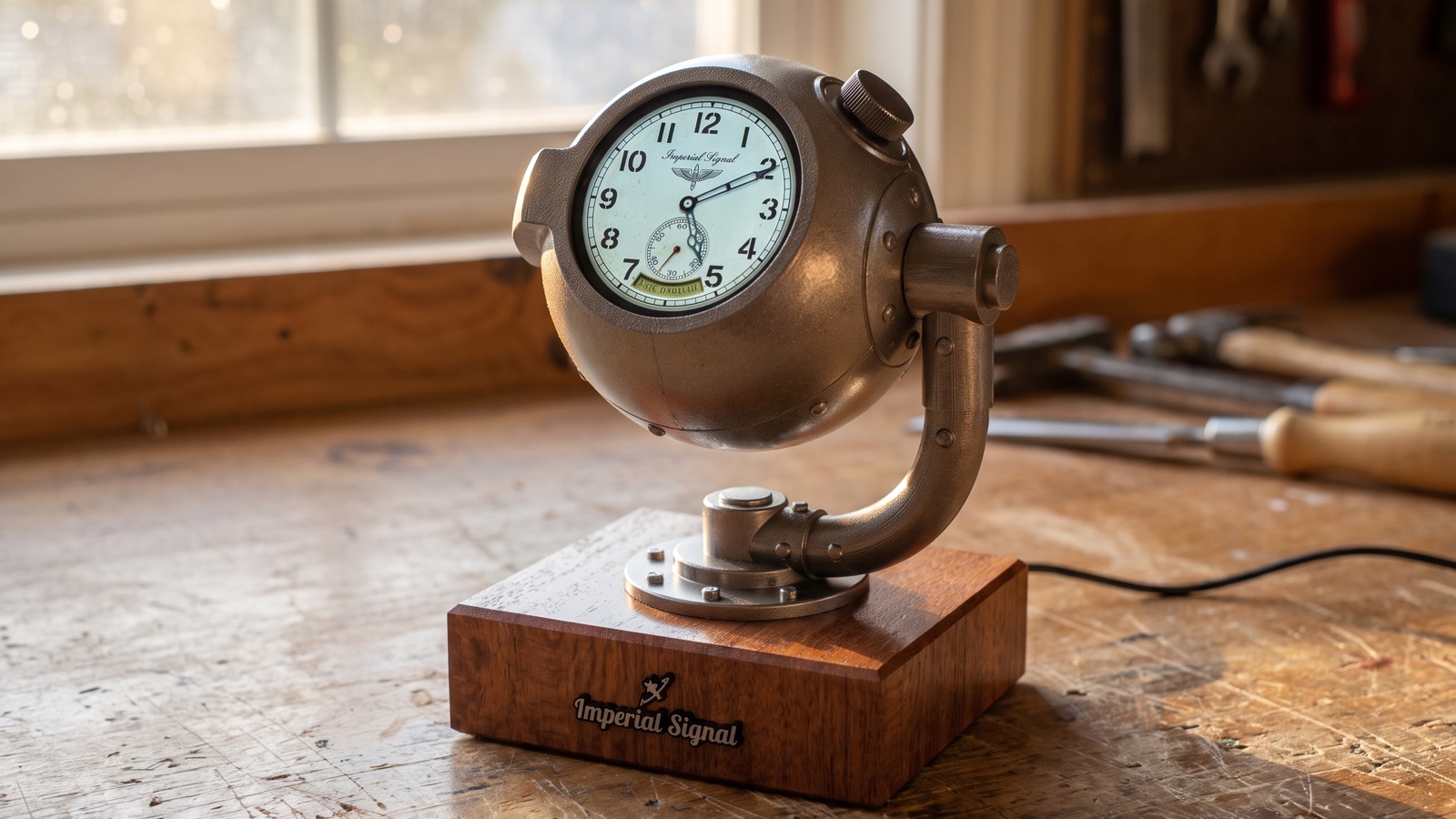
Print or order the parts, grab one board and a few small pieces, flash the firmware from your browser, and put it together. No soldering anywhere.
Flashing happens over USB from Chrome, Edge or Opera on a computer. Phones and other browsers cannot talk to the board.
You buy the electronics through the links below, I handle the printed plastic. The kit is plastic-only and you put it together yourself. Nothing here needs a soldering iron.
One Waveshare board runs everything, screen and all. It is the only piece you truly cannot skip.
A knob, a ribbon cable, a USB-C cable, and a microSD card. All off-the-shelf, all linked for you.
I have them printed and shipped to you, or download the files and print them on your own machine.
Grab the files free on MakerWorld and print away.
Short, friendly videos for every step. Watch first, then build along at your own pace.
More tutorials land as the build videos go up.
The firmware and the print files are free and open under the MIT license. The Orb grew out of Quique Tortosa's open-source Capsule Radar, and it stays open for the next person who wants to add something to it.
This is the build your Orb runs. Orb Studio writes it and the three boot images for you over USB, which is the way to do it, because a blank board flashed with this file alone has no bootloader and looks broken. Take it if you flash your own boards.
Open it in Orb Studio, where you can change anything about it first, then download it as one file or send it straight down the cable.
Every build helps me keep the files free and the tutorials coming. If the Orb made you smile, you can toss a little filament my way.
Drop your email and I'll send the full build guide plus a note when new tutorials and parts go live.